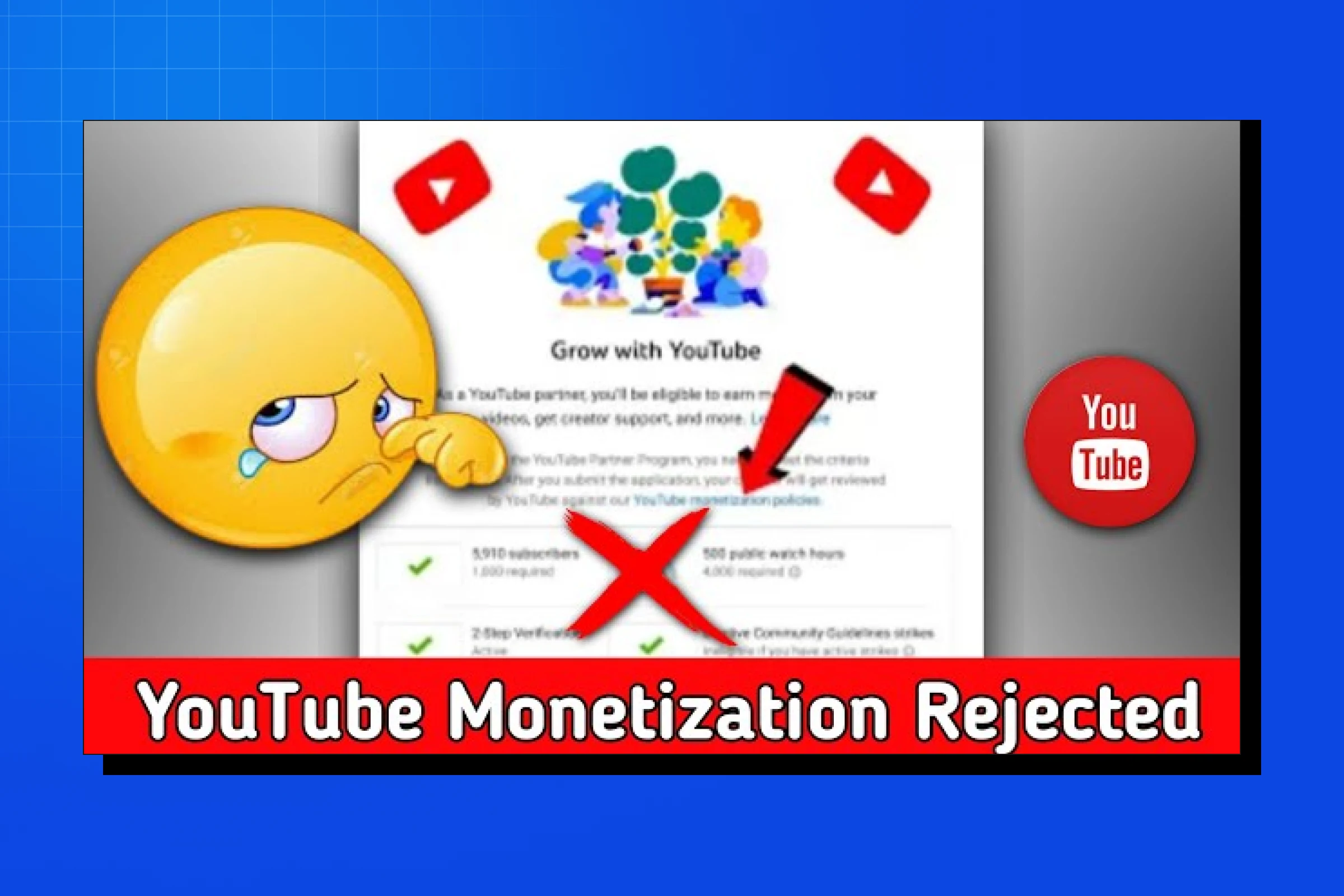
If you’re reading this, chances are you just saw the message every creator dreads:
Your YouTube monetization application has been rejected.
- No clear explanation.
- No specific timestamp.
- Just a vague policy link and a 30-day wait period.
Getting your YouTube monetization rejected is honestly one of the most frustrating experiences as a creator. You’ve grinded for months (or even years) to hit those 1,000 subscribers and 4,000 watch hours, finally applied to the YouTube Partner Program, and then… rejection email. Pain.
If you’re feeling confused, annoyed, or questioning whether YouTube is even worth it anymore—good news: youtube monetization rejected does NOT mean game over. In most cases, it simply means your channel failed one or two fixable checks.
This guide exists for one reason only: to help you fix the rejection, reapply correctly, and get approved on the next attempt—without guessing, over-editing, or waiting months blindly.
Let’s break it down properly.
Why Does YouTube Monetization Get Rejected?
YouTube isn’t just handing out monetization to everyone who hits the subscriber and watch hour thresholds. They’re actually reviewing your channel to make sure it follows their policies. When YouTube monetization is rejected, it’s usually for one of these reasons:
1. Reused Content (The #1 Rejection Reason)
This is hands down the most common reason for YouTube monetization rejected situations. YouTube’s algorithm and reviewers are looking for original content—stuff YOU created.
If your channel is full of:
- Compilation videos of other people’s content
- Stock footage videos with minimal editing
- Re-uploads of TV shows, movies, or other creators’ videos
- Content scraped from other platforms (TikTok compilations, Instagram reels, etc.)
- Slideshow videos with just music and images
- AI-generated content with no original commentary or transformation
Your YouTube monetization rejected status is basically guaranteed. They want to monetize creators who are adding unique value, not people who are just recycling existing content.
The fix:
You need to show that YOU are the creator. Add:
- Your face on camera
- Original commentary or voice-over
- Significant editing that transforms the content
- Your own filming, animation, or creative input
- Educational value that you’re providing through your unique perspective
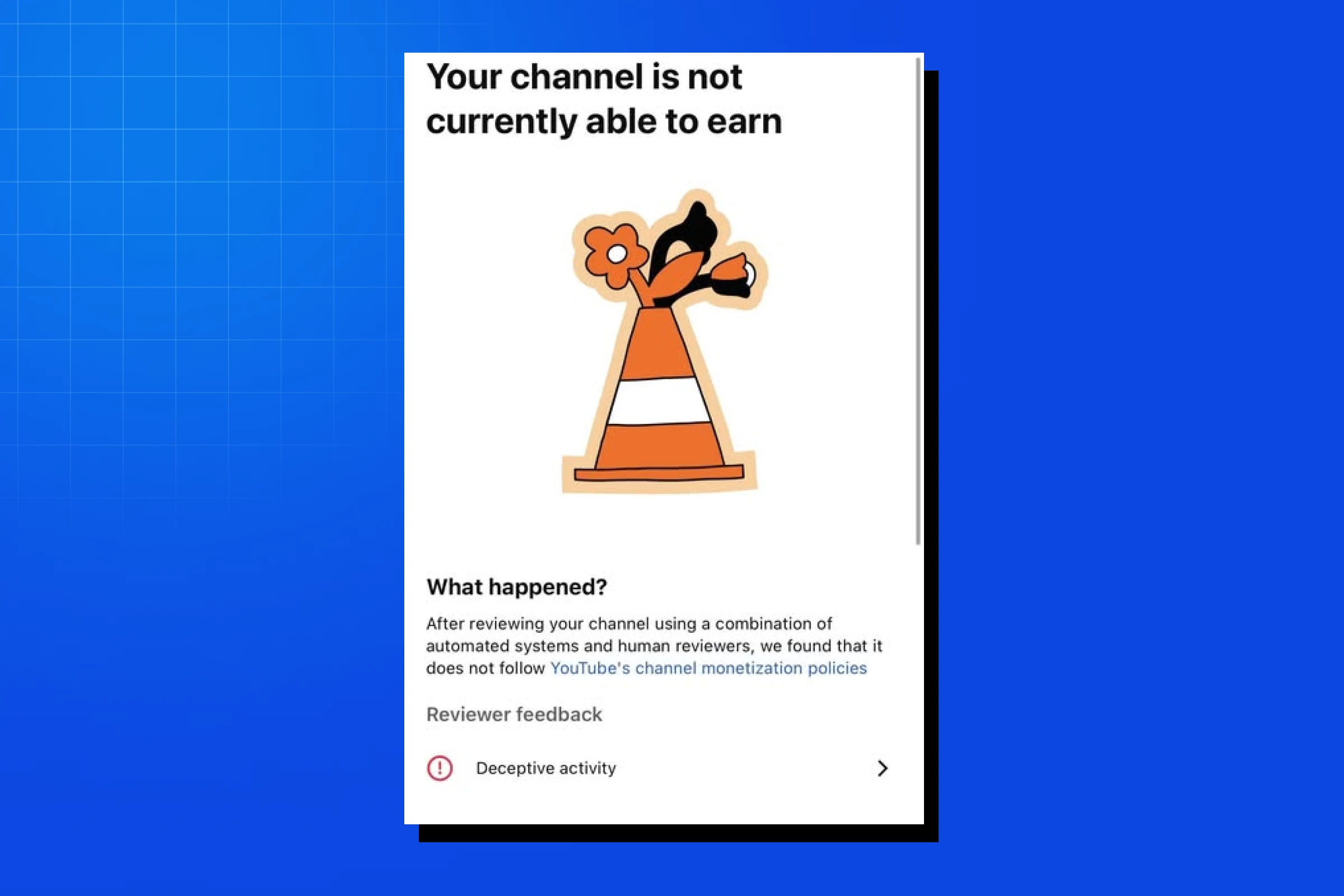
2. Spam, Deceptive Practices, or Scams
YouTube is super strict about anything that feels misleading or spammy.
If your channel has:
- Clickbait titles and thumbnails that have nothing to do with the actual video
- Misleading metadata (tags, descriptions that don’t match content)
- Content promoting get-rich-quick schemes
- Fake giveaways or contests
- Excessive external links trying to drive traffic away from YouTube
- Manipulated engagement (buying views, subs, or using sub4sub tactics)
Your YouTube monetization rejected outcome is basically guaranteed. The platform is trying to protect viewers from scammy content, and they’re not playing around.
The fix:
Go through your channel and:
- Remove or private any videos with misleading titles/thumbnails
- Rewrite descriptions to accurately reflect video content
- Delete any fake giveaway or scam-adjacent content
- Clean up excessive external links
- Make sure your tags actually relate to your content
3. Hateful or Harmful Content
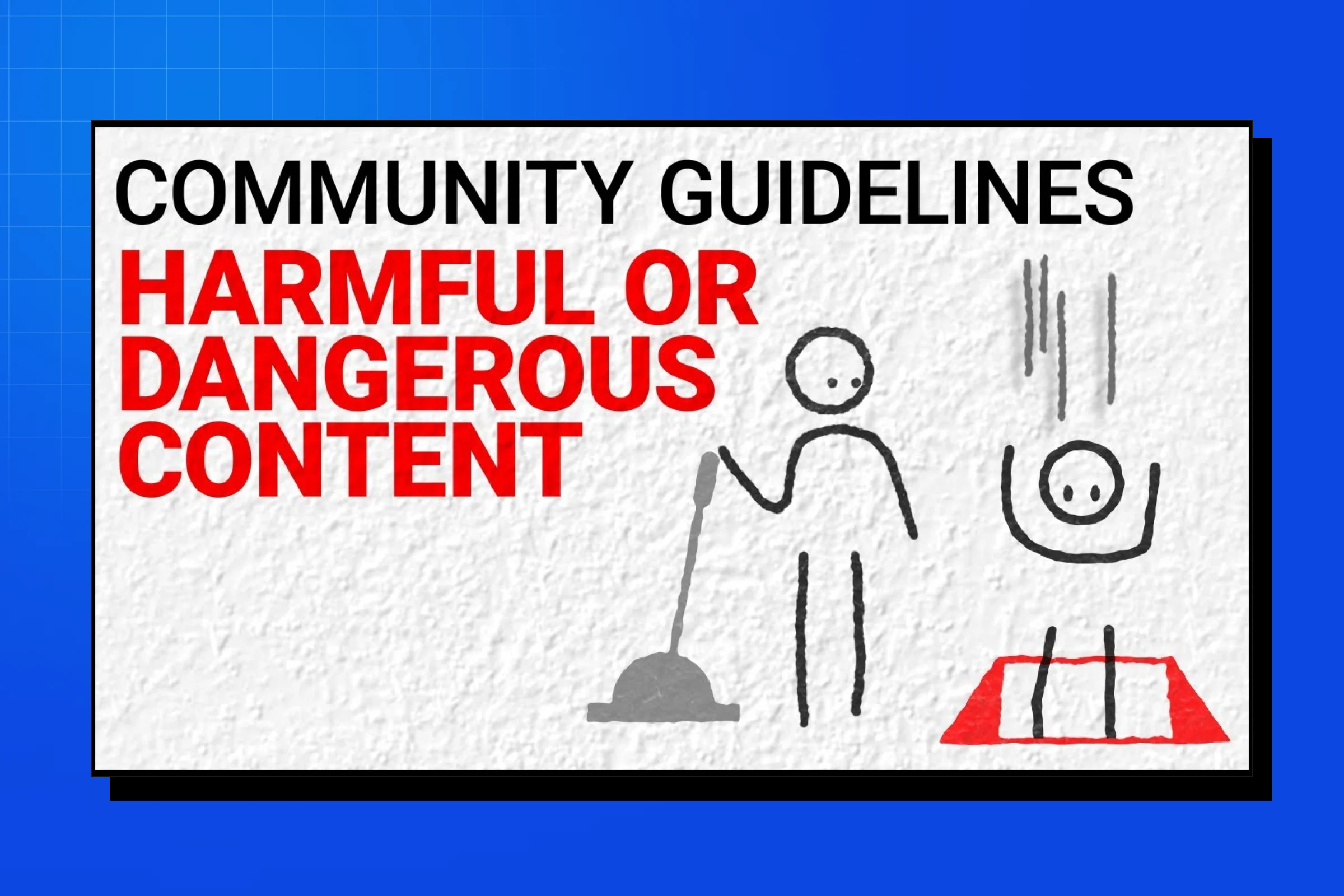
YouTube has zero tolerance for content that promotes:
- Hate speech targeting protected groups
- Harassment or cyberbullying
- Violence or dangerous activities
- Harmful misinformation (especially medical or election-related)
- Content that targets minors inappropriately
Even if only a few of your videos violate these policies, YouTube monetization rejected will be the result. They review your entire channel, not just your most recent uploads.
The fix:
This one’s non-negotiable. You need to:
- Delete or private ANY video that violates community guidelines
- Review YouTube’s hate speech and harassment policies thoroughly
- Ensure your content doesn’t promote dangerous activities
- Be mindful of the language and messaging in all your videos
4. Copyright Issues and AdSense Problems
If your channel has:
- Multiple copyright strikes
- Content ID claims on most of your videos
- Issues with your AdSense account
- Duplicate AdSense accounts
- Invalid payment information
Your application will be rejected. YouTube monetization rejected often happens because of backend issues with your AdSense account that creators don’t even realize exist.
The fix:
- Check your copyright strikes in YouTube Studio
- Resolve any AdSense account issues before reapplying
- Ensure you only have ONE AdSense account linked to your channel
- Update your payment information and verify your identity
- Remove videos with copyright claims if possible, or dispute invalid claims
5. Not Enough Original Content
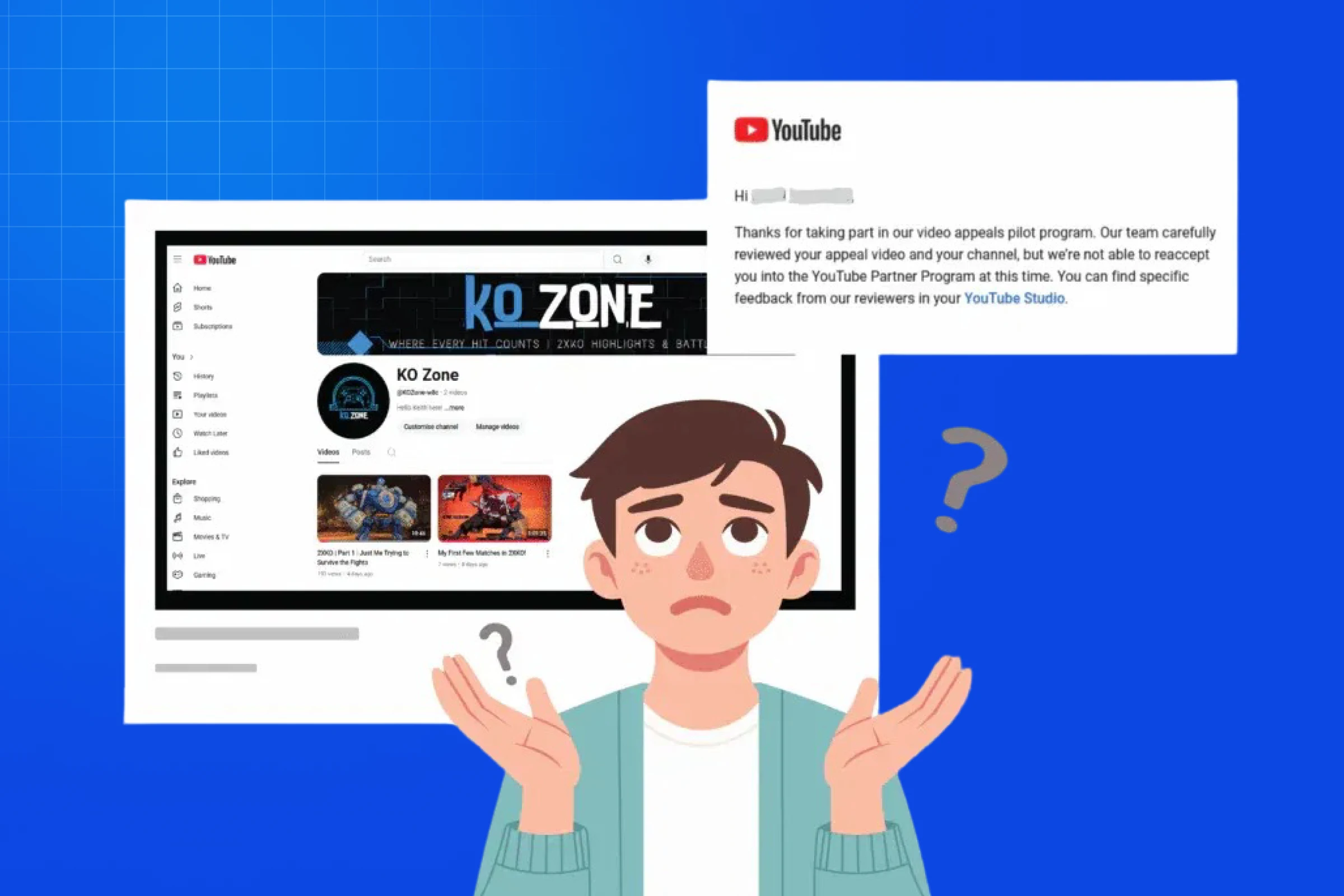 Not Enough Original Content
Sometimes YouTube monetization rejected happens simply because you don’t have enough original content on your channel.
If you:
- Have fewer than 10-15 videos total
- Have long gaps in upload history
- Have mostly shorts with very little long-form content
- Have a channel that looks inactive or abandoned
YouTube might give you a YouTube monetization rejected notice because they can’t properly evaluate whether your channel consistently produces original content.
The fix:
- Upload more original content before reapplying (aim for at least 15-20 videos)
- Show consistent upload activity over the past few months
- Mix in some long-form content if you’re primarily a Shorts creator
- Make sure your most recent uploads demonstrate your current content quality
How to Check Why Your YouTube Monetization Was Rejected
When you get that dreaded YouTube monetization rejected email, YouTube usually gives you a reason, but it’s often pretty vague. Here’s how to dig deeper:
- Step 1: Go to YouTube Studio and click on “Monetization” in the left sidebar.
- Step 2: Look for the rejection notice—it should tell you the general category of why your YouTube monetization rejected happened (reused content, spam, community guidelines, etc.).
- Step 3: Check your email from YouTube for any additional details about your status. Sometimes they provide more specific information via email.
- Step 4: Review your entire channel with fresh eyes. Go through your videos and honestly assess which ones might be causing your YouTube monetization rejected situation.
- Step 5: Check the YouTube Creator Insider channel and support forums—they often have updated information about what reviewers are looking for and common YouTube monetization rejected scenarios.
The 30-Day Waiting Period (And What to Do During It)
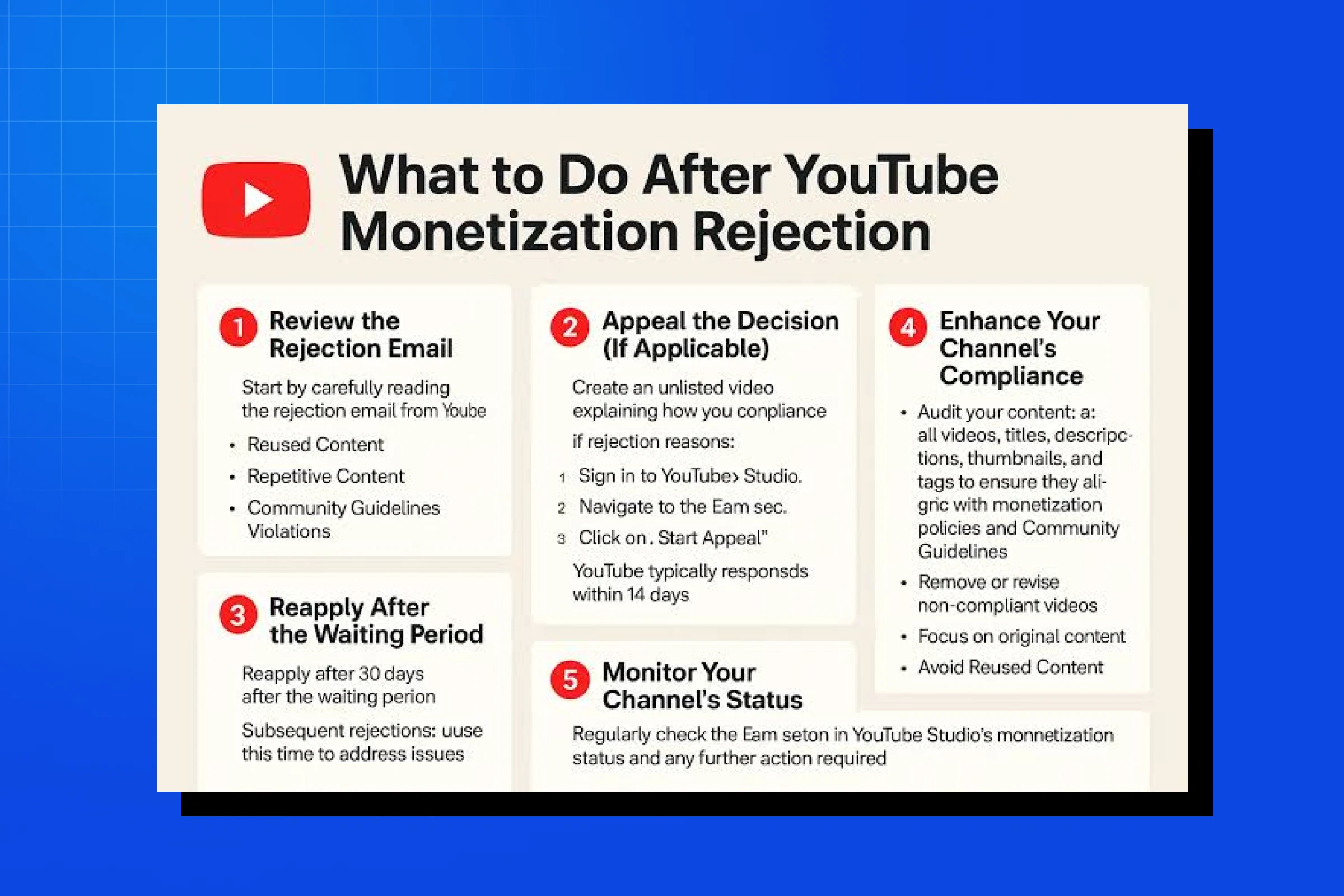
After your YouTube monetization rejected notification, you have to wait 30 days before you can reapply. This isn’t just a punishment—it’s actually your opportunity to fix the problems and strengthen your channel.
Week 1: Audit and Delete
- Review every single video on your channel
- Private or delete anything that might lead to YouTube monetization rejected again
- Make a list of problematic content and why it’s problematic
- Check your community guideline strikes and copyright issues
Week 2: Create Fresh Content
- Upload 3-5 new, completely original videos
- Focus on content where you’re clearly the creator (show your face, use your voice)
- Make sure the new content is high-quality and policy-compliant
- Demonstrate consistent activity to avoid another YouTube monetization rejection.
Week 3: Optimize Your Channel
- Update channel description to clearly explain what you do
- Create professional channel art
- Organize your videos into playlists
- Add accurate metadata to all videos
- Fix any outdated or misleading titles/thumbnails that could cause YouTube monetization rejected
Week 4: Final Check and Prepare
- Do one final sweep for any content that might result in YouTube monetization rejected
- Ensure your AdSense account is properly set up
- Verify you still meet the 1,000 subs and 4,000 watch hours requirement
- Read through YouTube’s monetization policies one more time
- Prepare to reapply on day 30
How to Successfully Reapply After YouTube Monetization Rejected
When that 30-day period is up, don’t just immediately hit “reapply” without making sure you’ve addressed the issues that caused your YouTube monetization rejected in the first place. Here’s the strategic approach:
Before you reapply:
- Confirm you’ve addressed the specific reason for your YouTube monetization rejected
- Make sure you have at least 10-15 strong, original videos published recently
- Double-check that your AdSense account has no issues
- Verify your channel still meets all YPP requirements
- Read the monetization policies one final time
When you reapply:
- Be honest in any forms or questions YouTube asks
- Don’t try to hide or work around the policies
- Make sure your most recent uploads showcase your best, most original work
- Be patient—review can take anywhere from a few days to a few weeks
Pro tip: Some creators who experienced YouTube monetization rejected have found success by making their channel private during the review process, showing only their best, most policy-compliant content, then making other videos public again after approval. This is technically allowed, but use this strategy carefully and only with content you’re confident about.
Common Myths About YouTube Monetization Rejected
Let me clear up some BS you might have heard about YouTube monetization rejected:
- Myth: “You need at least 100 videos to get approved after YouTube monetization rejected.”
Truth: Quality over quantity. Some creators get approved with 20-30 strong videos even after YouTube monetization rejected.
- Myth: “Faceless channels always get YouTube monetization rejected.”
Truth: They can get approved, but they need to demonstrate significant original value (unique commentary, extensive editing, educational content).
- Myth: “Once you get YouTube monetization rejected, you’re basically blacklisted.”
Truth: Many creators get approved on their second or third attempt after fixing issues that caused YouTube monetization rejected.
- Myth: “YouTube just randomly gives people YouTube monetization rejected.”
Truth: There’s always a reason, even if it’s not immediately clear. They’re looking for policy compliance and original content.
Final Thoughts on YouTube Monetization Rejected
Getting your YouTube monetization rejected is frustrating, but it’s not the end of your creator journey. It’s feedback. It’s an opportunity to level up your content and build a stronger, more sustainable channel that won’t face YouTube monetization rejected again.
Focus on creating genuinely original content that provides value. Follow YouTube’s policies not because you have to, but because building a long-term successful channel requires playing by the rules. And remember—approval after YouTube monetization rejected isn’t the finish line, it’s the starting line for your monetization journey.
You’ve got this. Fix the issues that led to YouTube monetization rejected, reapply with confidence, and keep creating.