





Turn Your WordPress Site Into a Job Board
Job Monetizer is powered by the Artha.Link network the same platform creators use to monetize their audience. Add real job listings to any page. Earn revenue every time a visitor clicks a listing or submits an application.
Powered by Artha.Link · ✓ 100% Free — No subscription · ✓ Works with any theme
Up and running in 3 steps
Job Monetizer works like an ad network — but instead of banner ads, you show job listings. Here's how to get started.
Upload the plugin from your WordPress dashboard or install it directly from the plugin directory. No account creation, no API keys, no configuration files.
Drop the [jobmo_feed] shortcode into any page or post. Prefer the block editor? Search for "Job Feed" in the Gutenberg block inserter. Jobs are pulled live from the Artha.Link network.
You earn when visitors click on job listings (RPC) or complete job applications (RPA). Bot clicks, duplicate activity, and suspicious traffic are filtered out — you only see verified earnings in your dashboard.
Everything you need
One plugin. Two revenue streams. Zero maintenance after setup.
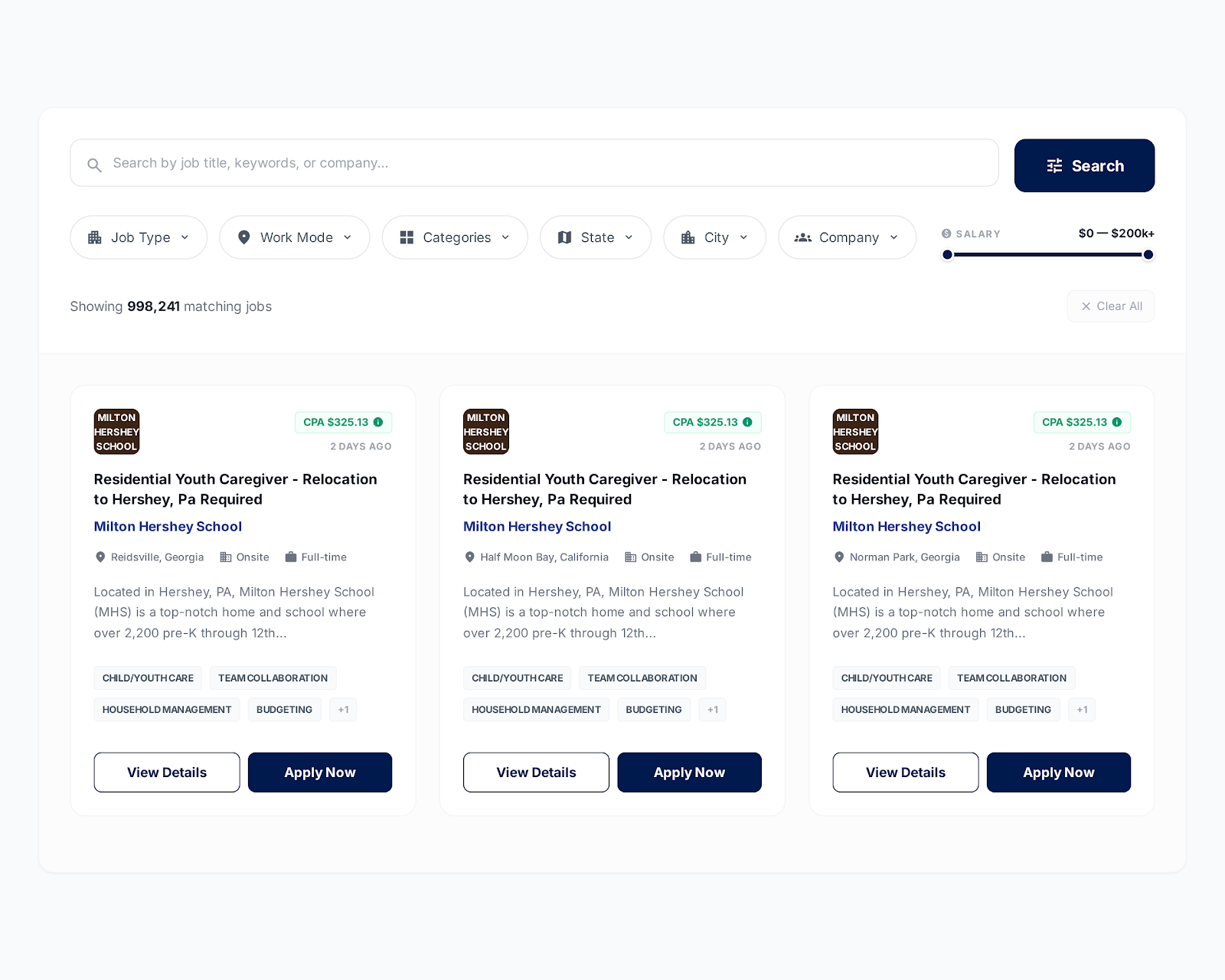
Jobs are fetched directly from the Artha.Link network and displayed on your site in real time. No manual posting, no spreadsheets, no copy-pasting from job boards. Add the shortcode or block and listings appear automatically.
Earn through RPC (Revenue Per Click) when visitors click a listing, and RPA (Revenue Per Application) when they submit a real application. Both revenue streams run simultaneously on the same traffic.
Control which jobs appear on your site by setting niche keywords — like healthcare, trucking, technology, or education. Set defaults in settings, or override per page using shortcode attributes. Your audience sees relevant listings, you earn more from targeted traffic.
Visitors can narrow results by job type, location, and work mode (remote, hybrid, or on-site). You control the default sort order — most relevant, newest first, or highest RPA — from the settings page.
Four blocks ship with the plugin: Job Feed, Job Banner, Job Widget, and Inline Jobs. Drag them into the block editor, configure the attributes in the sidebar, and publish. No shortcode syntax to remember.
No theme conflicts. The plugin renders cleanly alongside your existing WordPress theme — no style overrides needed.
Two ways to earn revenue
Every earning is verified. Only genuine interactions from real visitors count toward your balance.
When a visitor clicks on a job listing, you earn. Each click goes through fraud detection — bot traffic, duplicate clicks from the same session, and mismatched locations are filtered automatically. What you see in your earnings dashboard is what you actually earned.
✓ Verified clicks onlyWhen a visitor clicks through and submits a completed job application, you earn a higher payout. Only legitimate submissions on active, non-expired listings qualify. Incomplete or duplicate applications are excluded.
✓ Verified applications onlyAdd jobs in minutes
Copy any of these shortcodes into a page, post, or widget area. All attributes are optional — the plugin uses your saved settings as defaults.
[jobmo_feed]
[jobmo_feed niche_keywords="healthcare,nursing" location="US"]
[jobmo_feed niche_keywords="technology,software" location="US" job_type="full_time" layout="grid" columns="3" limit="12"]
keyword categories location job_type layout columns limit
Who should use
Any WordPress site with traffic can turn visitors into revenue. Here's who benefits most.
Frequently questions
Start earning today.
It's completely free.
Install Job Monetizer, add the shortcode or block, and let the plugin do the rest. Your first earnings can start within minutes of setup.
Download Free Plugin ↓