

Okay so here's a fun fact that ruins everyone's day the first time they hear it.


There is nothing more frustrating than seeing a “Restricted Monetization” alert just as your content starts to trend. In 2026, Facebook monetization errors are the leading cause of creator burnout. Unlike the early days of social media, today’s errors aren’t just “glitches”, they are often the result of Meta’s highly aggressive AI-driven compliance system.
What creators usually see first:
This guide is different. We aren’t here to learn how to monetize; we are here to identify the root cause, fix the issue, and restore your earning access faster.
In 2026, Facebook monetization runs on one system. There are no separate checks for ads, Stars, or other tools anymore. Your Page is reviewed as a whole. If something breaks, everything feels it.
This is where most Facebook monetization errors start.
Facebook does not approve you once and forget about it. Your Page is reviewed daily by automated systems. That means monetization eligibility Facebook requires can change overnight, even if your content feels unchanged.
Because the system is unified, one mistake can affect everything. A single Reel with copyrighted audio or reused content can pause earnings across all formats. This is why creators suddenly face Ad Breaks problems or see video monetization stop on older content that was earning fine before.
Not all issues are violations. Many creators get stuck because of incomplete tax details, payout setup, or identity checks. These show up as monetization delays inside Creator Studio and are often mistaken for policy issues.
Understanding this system is key. Once you know how Facebook monetization actually works, fixing errors becomes much faster and far less stressful.
Most creators don’t lose monetization because they did something extreme. They lose it because of small issues that quietly snowball. These are the most common Facebook monetization errors we see in 2026.
This message usually shows up when your Page is still too new or recently changed. If your Page is under 90 days old, Facebook often blocks monetization eligibility by default. Changing your Page category can also reset internal checks.
Another common scenario is partial access. You may be allowed to earn through Facebook Stars but blocked from in-stream ads. This partial eligibility confuses creators, but it usually means your Page meets some requirements, not all.
This is where most creators get hit.
Limited Originality of Content is the top issue. Re-uploading clips with minimal edits, even if they performed well before, can trigger this error and pause monetization.
Inauthentic engagement is another red flag. If most of your shares come from engagement groups instead of real followers, Meta may flag your revenue as unsafe and restrict monetization under Facebook partner monetization policies.
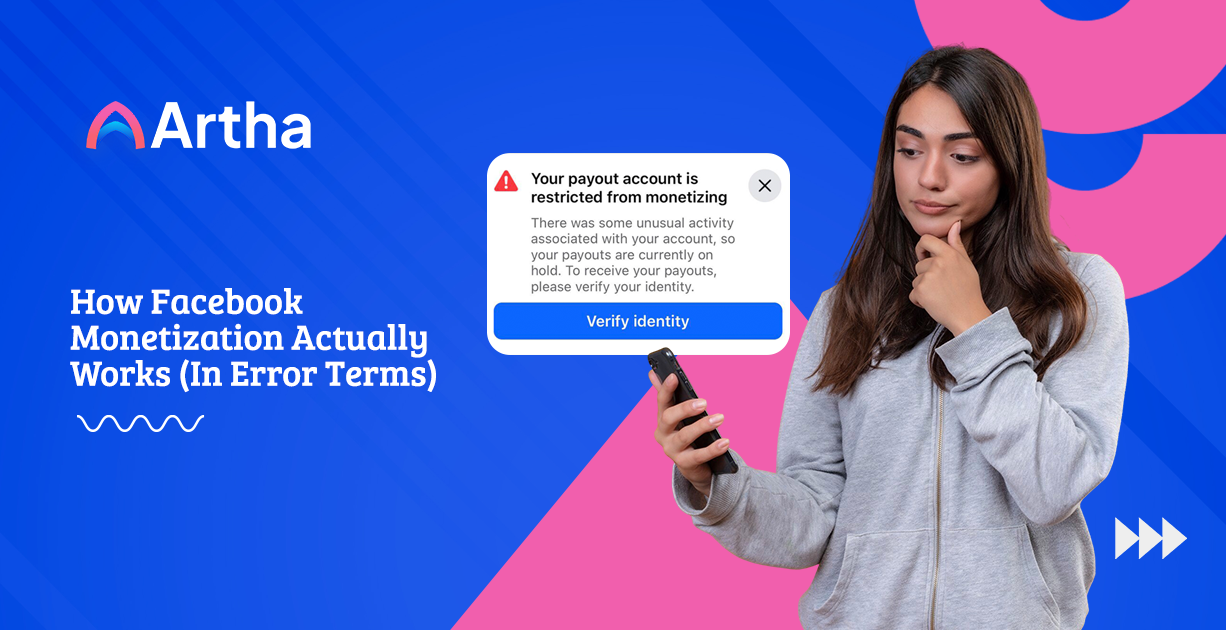
Sometimes monetization is active, but payouts are frozen. This usually has nothing to do with content. A mismatch in your W-9 tax form or an incomplete identity verification step in Meta Business Suite can put your earnings on hold until fixed.
Spotting which category your issue falls into makes it much easier to fix Facebook monetization issues quickly.
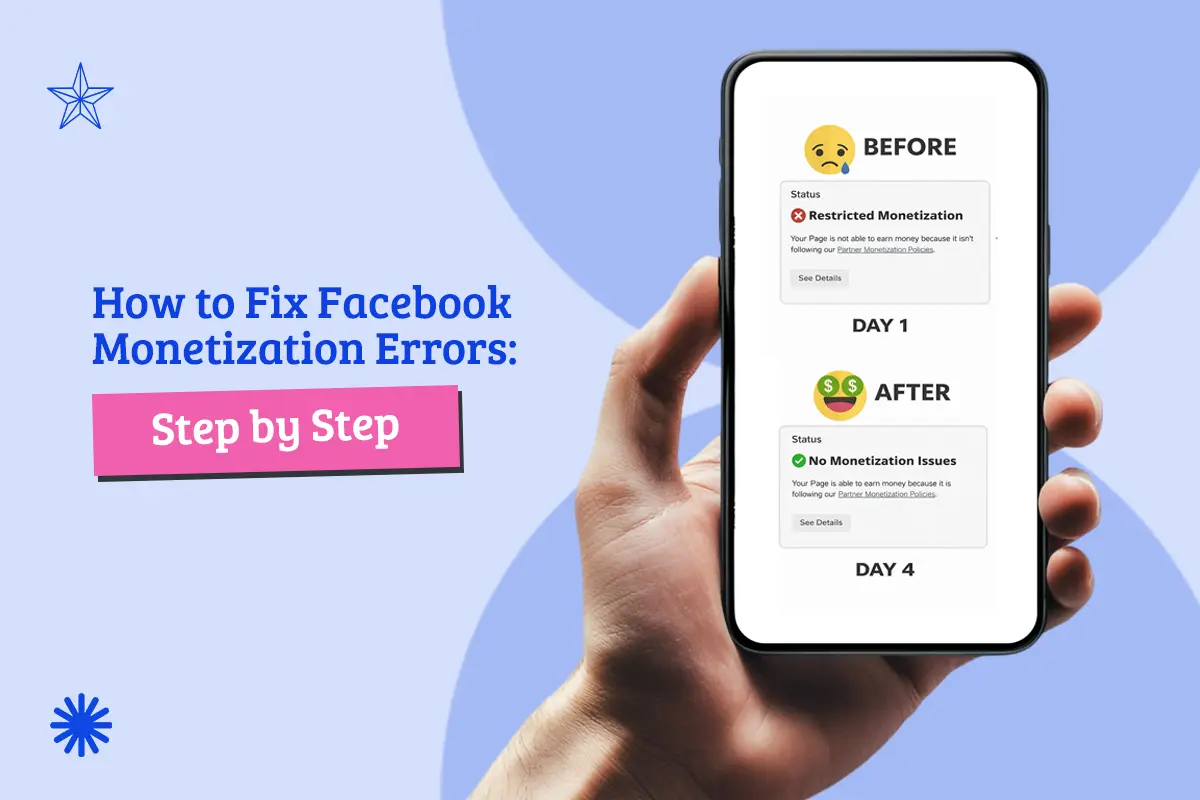
When monetization breaks, guessing makes it worse. Fixing Facebook monetization errors works best when you follow the system Facebook actually uses.
Do not troubleshoot from the Facebook mobile app. It hides critical details.
This is the fastest way to understand whether you need to fix Facebook monetization issues urgently or just monitor them.
If you see a Limited Originality or policy-related error, act fast.
Quick reset tip:
Go Live with your face and voice for 15 minutes. This helps signal real human activity and supports Facebook Creator Studio troubleshooting when originality is questioned.
If monetization is active but money is stuck:
Many monetization eligibility Facebook issues are payout-related, not content-related.
If you are still looking for fixes inside the old Creator Studio, you are already behind. In 2026, all Facebook Creator Studio troubleshooting now live inside Meta Business Suite.
This is where Facebook shows you what is wrong and what to fix.
These appear directly in your Inbox. They point to specific issues like content violations Facebook has flagged or eligibility changes. Always read these first. They usually explain why monetization was limited or paused.
Under the Monetization section, you can check tools individually. Click into Ads on Reels or Stars to see if the problem affects everything or just one feature. This helps narrow down Facebook monetization errors faster.
If you see “You’re on the waitlist,” it usually means Meta is reviewing your Page for creative quality. This is not a rejection. It is a holding stage tied to monetization eligibility Facebook uses for manual checks.
Knowing where to look saves time. Guessing inside the wrong dashboard does not.
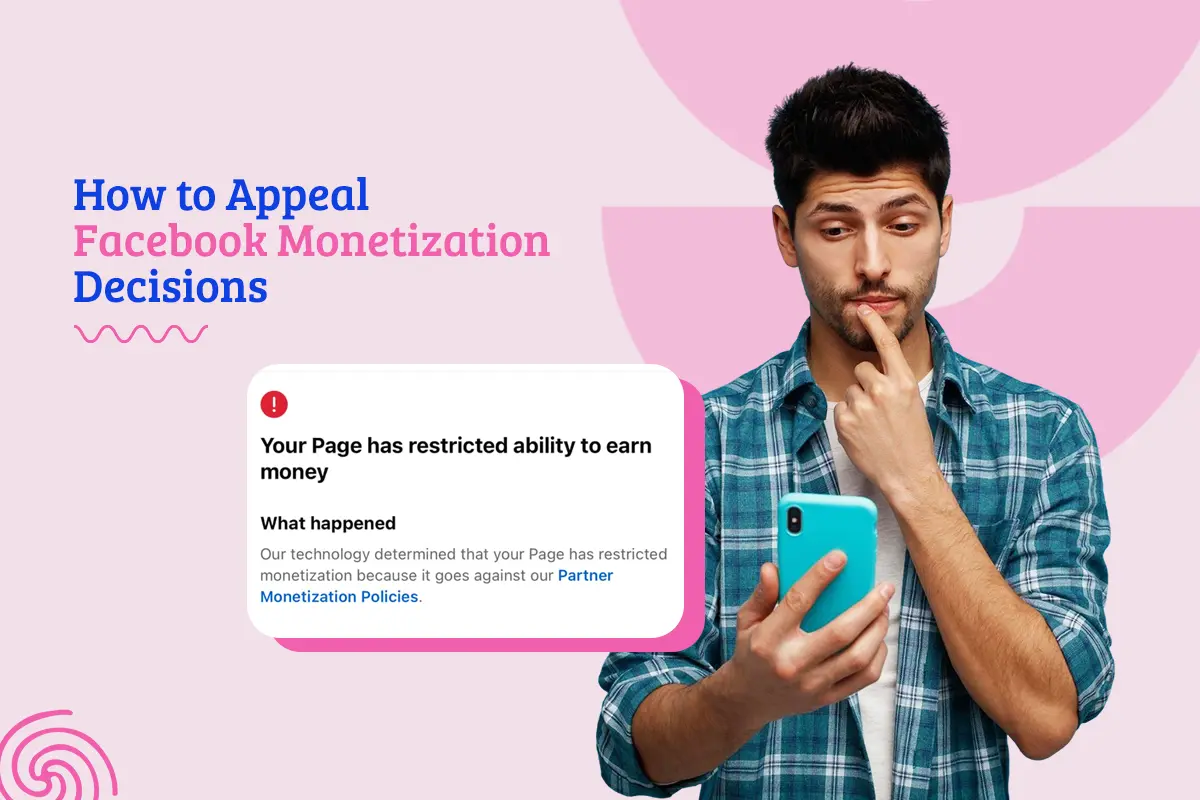
If you have fixed the obvious issues and Facebook monetization errors are still showing, an appeal is your next move. But timing matters.
Only appeal after your Page is fully cleaned. Remove all questionable videos first. Appealing while violations still exist almost always fails and can worsen monetization eligibility Facebook reviews.
Keep it simple and professional. A short message works best. Acknowledge the Facebook monetization policy, confirm that non-compliant content has been removed, and request a re-evaluation. Avoid emotional explanations or blame.
Most appeals receive a response within 7 to 14 business days. During this time, continue posting original, compliant content to support Facebook Creator Studio troubleshooting and show consistency.
Appeals work best when they follow real fixes, not hope.
Fixing Facebook monetization errors once is not enough. Staying monetized means playing defense every day.
Always use music from the Meta Sound Collection. Music pulled from other platforms is one of the fastest ways to trigger content
violations Facebook flags automatically.
Your Page is only as clean as the people managing it. If a Page admin has restrictions on their personal account, it can quietly affect your Page’s monetization eligibility.
In 2026, unlabeled AI-generated content can trigger inauthentic content errors. If you use AI, label it clearly and add your own voice or edits to stay compliant with Facebook monetization policy.
A clean Page stays monetized. A careless one does not.
Relying only on ads is risky. One Facebook monetization error and income can drop to zero overnight. That is why resilient creators always have a backup.
This is where artha.link for creators fits in.
artha.link is a simple customized link that helps creators earn money when their followers apply for jobs they share.
artha.link lets you earn through job sharing and professional referrals. Your income comes from real applications, not views or algorithms.
artha.link does not restrict earnings because of music, content formats, or sudden policy changes. There is no shadowban, no sudden pause.
When Facebook ads are working, artha.link becomes extra income. When ads break, it becomes your main stream. Either way, you stay monetized.
Smart creators do not wait for platforms to be stable. They build stability themselves.
Persistence matters more than panic. If you face a Facebook monetization error, follow the audit steps, clean your content, and appeal professionally. Most importantly, don’t let Meta be your only source of truth or income. By diversifying with tools like artha.link, you maintain a resilient revenue stream no matter what the algorithm decides.
Stop guessing why your revenue is down. Audit your Page today and secure your secondary income stream.